Best CPU for Gaming (2025 Updated Guide)

Choosing the best CPU for gaming is crucial if you want smooth, fast gameplay and the latest technology. To enjoy smooth and powerful gaming, the CPU (Central Processing Unit) plays a big role. A good gaming CPU helps your computer run new games without lag and gives better frame rates.
Popular choices include Intel and AMD processors, which offer strong performance at a fair price. Before buying, check the number of cores, clock speed, and your budget. The best CPU for gaming can also help with streaming, editing, and multitasking. Always match your CPU with a good GPU for the best results and a great gaming experience worldwide.
In this guide, we’ll explain how to choose the right gaming CPU, compare popular options, and answer common questions that gamers ask before buying.
What Is a Gaming CPU and Why It Matters?
A gaming CPU is the central brain of your computer. It controls how fast your system works and how smoothly your games run. While your GPU (graphics card) handles visuals, the CPU manages game logic, frame timing, and background processes.
If your CPU is slow, even a powerful GPU won’t give you good results. That’s why a balanced CPU and GPU combination is essential. A strong gaming CPU helps in:
- Faster frame rates
- Less lag and smoother motion
- Better multitasking (like streaming while gaming)
- Future-proofing your PC for new titles
How to Choose the Best CPU for Gaming?
Choosing the best CPU depends on your budget, the types of games you play, and your system setup. Let’s look at what really matters:
Core Count and Threads
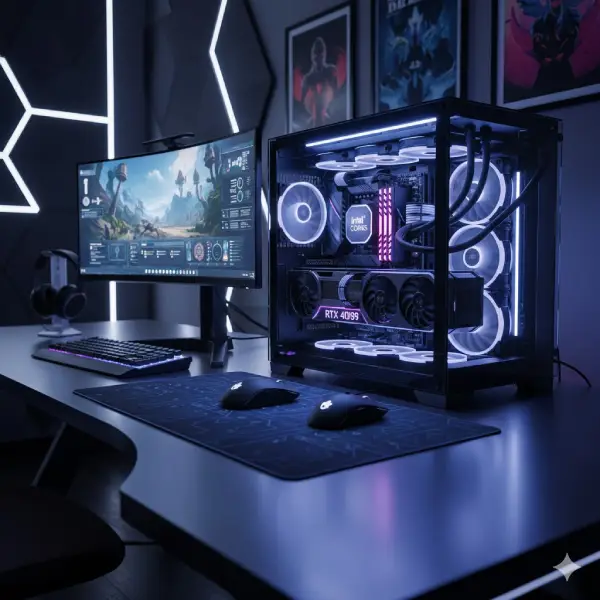
Choosing the best CPU for gaming is not about price only — it’s about balance. Look at cores, threads, and clock speed. A well-chosen processor makes even a budget PC perform like a pro gaming system. Modern games perform better on CPUs with more cores and threads. For gaming, at least six cores and 12 threads are recommended. Heavy multitasking or streaming may need eight cores or more.
Clock Speed
- Clock speed means how fast your CPU processes data.
- Higher speed = faster performance.
- Try to get a CPU with at least 4.0 GHz boost clock for smooth gameplay.
CPU and GPU Balance
If you buy a powerful CPU with a weak GPU, performance won’t improve much. Always match them well — for example, a Ryzen 5 with RTX 4060 is a good pair.
Power and Cooling
Gaming CPUs create heat. Make sure your PC has good cooling, whether air or liquid. If you plan to overclock, invest in a strong cooler.
Budget and Upgrade Plan
Don’t always buy the most expensive one. Buy a CPU that fits your games and gives room to upgrade later.
Best CPU for Gaming in 2025 (Top Picks)
Here are our top picks for the best CPU for gaming in 2025. Below is a table comparing the top-performing gaming CPUs this year — covering budget, mid-range, and high-end options.
| Rank | CPU Model | Cores / Threads | Clock Speed | Best For | Approx. Price |
|---|---|---|---|---|---|
| 1 | Intel Core i7-14700K | 20 / 28 | Up to 5.6 GHz | High-end gaming | $$$ |
| 2 | AMD Ryzen 7 7800X3D | 8 / 16 | Up to 5.0 GHz | Best overall performance | $$$ |
| 3 | Intel Core i5-13600K | 14 / 20 | Up to 5.1 GHz | Mid-range value | $$ |
| 4 | AMD Ryzen 5 7600 | 6 / 12 | Up to 5.1 GHz | Budget gaming build | $$ |
| 5 | Intel Core i9-14900K | 24 / 32 | Up to 6.0 GHz | Professional streamers | $$$$ |
| 6 | AMD Ryzen 9 7950X3D | 16 / 32 | Up to 5.7 GHz | Best multitasking | $$$$ |
Each of these CPUs delivers excellent gaming performance when paired with the proper GPU. For most people, the Ryzen 7 7800X3D is currently the best value and top performer.
AMD vs Intel – Which Is Better for Gaming?
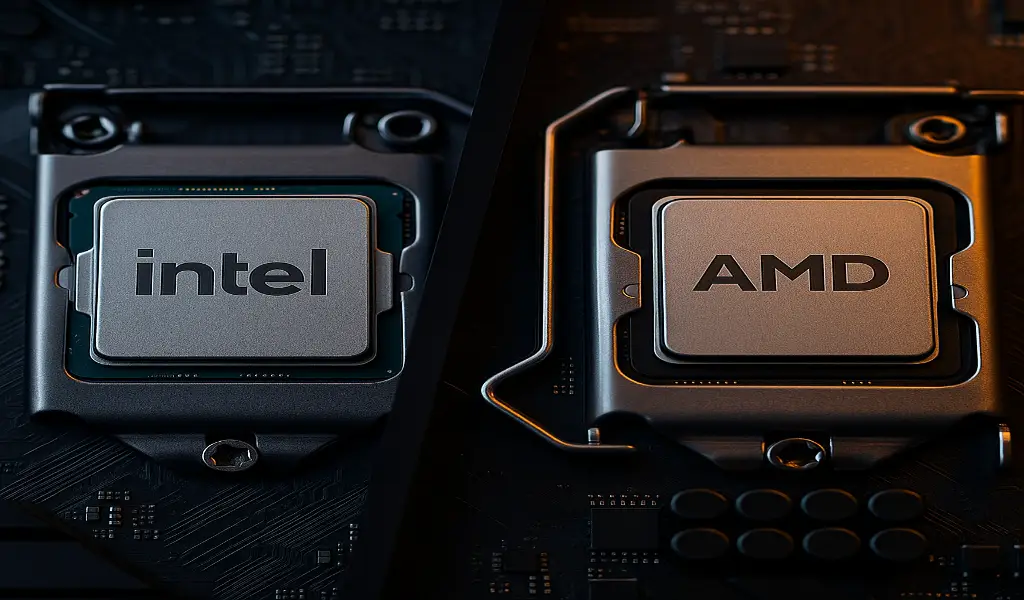
In this Best CPU for Gaming (2025 Updated Guide), we’ll help you compare Intel and AMD processors so you can pick the right one for your gaming setup.
Gamers often ask: Which brand offers the best gaming CPU? AMD leads in power efficiency, while Intel offers better single-core speed. Both brands now make amazing chips — the difference depends on what you value most.
AMD Ryzen Series
- Great for multitasking and power efficiency
- Known for lower heat output
- 3D V-Cache models (like 7800X3D) give excellent FPS in games
Intel Core Series
- Strong in single-core speed
- Ideal for high refresh rate gaming
- Great for both gaming and content creation
If you want best raw gaming FPS — AMD Ryzen 7800X3D is unbeatable. If you also do work like editing or streaming — Intel i7-14700K is perfect.
CPU Compatibility and Motherboard Guide
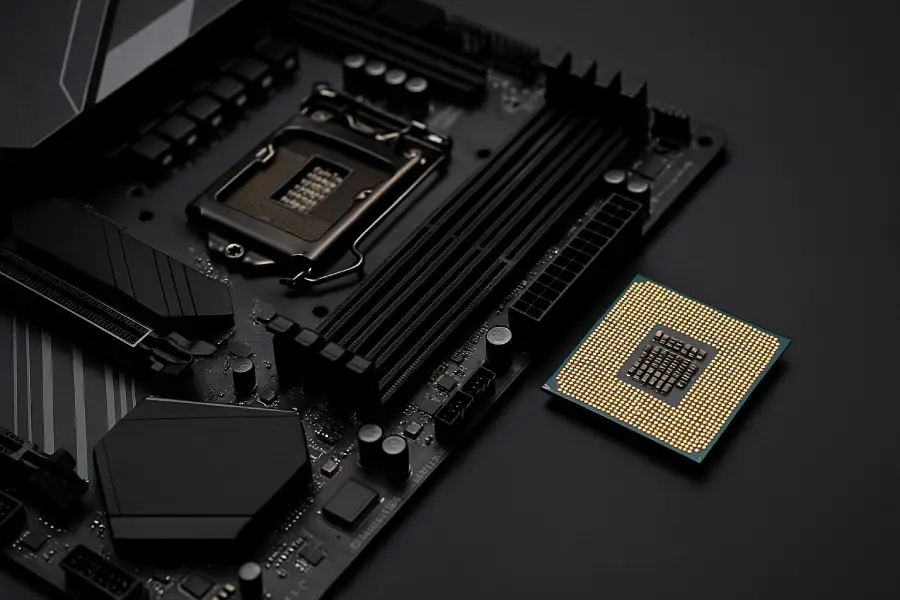
Before buying, always check if your CPU fits your motherboard.
| CPU Brand | Compatible Socket | Chipset Example | Notes |
|---|---|---|---|
| AMD Ryzen 7000 Series | AM5 | B650, X670 | Needs DDR5 RAM |
| Intel 14th Gen | LGA1700 | Z790, B760 | Supports DDR4 & DDR5 |
Tip:
If your motherboard is old, upgrading the CPU may also mean replacing the RAM and the motherboard. Always check compatibility before purchase.
Common Mistakes Gamers Make When Buying a CPU
- Overpaying for extra cores: Most games don’t use more than eight cores. Focus on clock speed instead.
- Ignoring the GPU: A strong CPU with a weak GPU won’t help your FPS.
- No proper cooling: A hot CPU can reduce performance and shorten its life.
- Skipping BIOS update: Constantly update your motherboard BIOS when installing a new CPU.
- Forgetting the power supply: High-end CPUs need strong PSUs. Make sure your power supply can handle the load.
Best CPU for Gaming by Budget
Low Budget (Under $200)
- AMD Ryzen 5 5600
- Intel Core i5-12400F
- Perfect for 1080p gaming and light multitasking.
Mid-Range ($200–$400)
- Intel i5-13600K
- AMD Ryzen 5 7600
- Great for 1080p and 1440p gaming with high frame rates.
High-End ($400–$600+)
- AMD Ryzen 7 7800X3D
- Intel i7-14700K
- Smooth 4K gaming, heavy multitasking, and streaming.
Tips to Get the Most from Your Gaming CPU
- Use good thermal paste and a cooler
- Keep your system dust-free
- Enable XMP/EXPO in BIOS for faster RAM
- Close background apps while gaming
- Update BIOS and CPU drivers regularly
These small steps can boost your performance and extend your CPU’s lifespan.
Choosing the Right Gaming CPU
The best CPU for gaming depends on your needs, not just the price. If you play games like GTA V, Valorant, or Call of Duty, a mid-range CPU like the Intel i5-13600K or the Ryzen 5 7600 is perfect. For heavy gamers or streamers, go for the Ryzen 7 7800X3D or the Intel i7-14700K.
Always match your CPU with the proper GPU and cooling system. A balanced setup delivers better performance, a longer lifespan, and smooth gameplay for years.
If you genuinely want to enjoy modern titles without lag, investing in the best CPU for gaming is the smartest choice. It ensures smoother gameplay, faster loading, and long-term reliability.
Key Takeaways
- Minimum six cores, 4.0 GHz for gaming
- AMD 7800X3D = best overall value
- Intel i7-14700K = best for gaming + streaming
- Always check the motherboard socket before buying
- Proper cooling keeps your CPU healthy
FAQs
Which CPU is best for gaming right now?
In 2025, the AMD Ryzen 7 7800X3D gives the best performance for most gamers. It’s fast, efficient, and works well with top GPUs.
Do I need an expensive CPU for gaming?
No, You can enjoy smooth gaming even with mid-range CPUs like the Intel i5-13600K or the Ryzen 5 5600, as long as your GPU is well-balanced.
Which is better for gaming – AMD or Intel?
Both are good, but AMD’s 3D V-Cache CPUs currently offer higher FPS in many games. Intel is still great for multitasking and editing.
How many cores are enough for gaming?
At least six cores are recommended for modern games. 8 cores or more help with future games and background apps.
Can I use a normal CPU for gaming?
Yes, but performance will not be smooth in new games. A gaming-focused CPU handles graphics and high FPS much better.
Does CPU affect FPS?
Yes, The CPU controls how fast your GPU can draw frames. A weak CPU can limit FPS even with a powerful graphics card.
What is the best budget gaming CPU?
The Intel Core i5-12400F and Ryzen 5 5600 are great for budget builds and handle most games easily at 1080p.
Should I upgrade my CPU or GPU first?
If your games lag even on low settings, upgrade the GPU. If you have slow system response or stutters, upgrade the CPU.
What is the best CPU for gaming and streaming?
The Intel i7-14700K and Ryzen 9 7950X3D are best for gaming plus streaming due to their strong multitasking power.
Conclusion
The right CPU doesn’t just power your games — it powers your passion. We hope this Best CPU for Gaming (2025 Updated Guide) helps you choose a powerful, future-ready processor that delivers top gaming performance.
Choosing wisely will save money and improve your gaming experience. Whether you’re building a new rig or upgrading an old one, focus on performance, balance, and future-proofing.